Wolfenstein 3D and Spear of Destiny for iPhone and iPad
Wolfenstein 3D and Spear of Destiny on iPhone and iPad: an unofficial port of ECWolf, with touch controls and a camera for selfies with the guards.
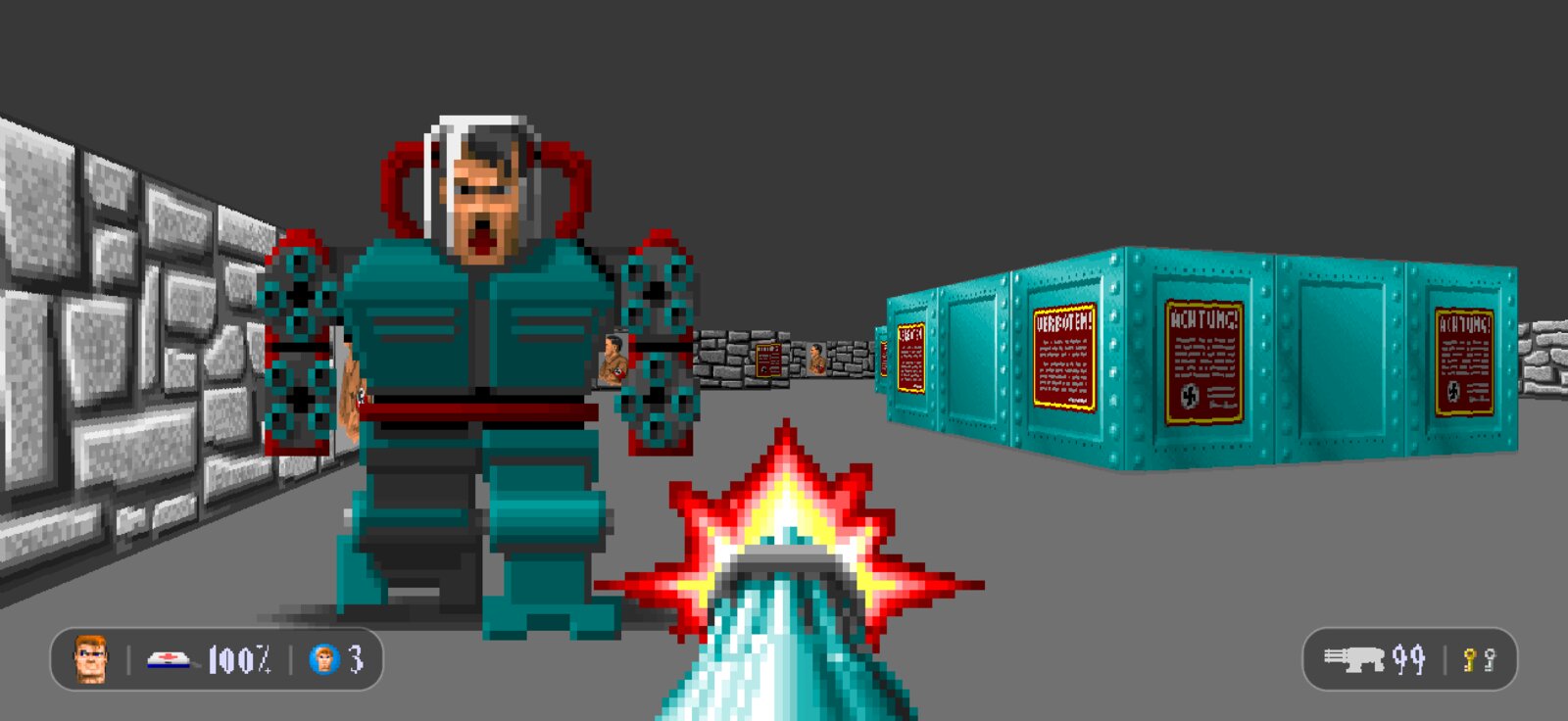
You need your own copy of Wolfenstein 3D or Spear of Destiny (Steam or GOG). No game files are included.
Install
Easiest, in SideStore or AltStore (Classic): add the source, then install the app from it. Updates come the same way.
These buttons only work once SideStore or AltStore is on your phone. If a button does nothing, add the source by hand (in the app's Sources, tap +) with this address:https://raw.githubusercontent.com/sithewok13-dev/ECWolf/ios/packaging/ios/altstore-source.json
Or download the .ipa from the releases page and install it with any sideloading tool (Feather, Sideloadly, a signing service):
Cool features
- Widescreen at a steady 60 frames a second, in crisp, sharp pixels.
- Touch controls made for the game. The move stick appears wherever your left thumb lands; slide up onto the little ^^ to run. Drag anywhere else to turn. FIRE, USE, MAP (the automap) and NEXT WPN are where your thumbs are.
- A weapon wheel. Slide NEXT WPN and pick knife, pistol, machine gun or chain gun from a wheel; the game waits while it's open.
- Quick save and quick load with a short hold on SAVE or LOAD.
- Six HUD looks. A modern one with BJ's face, health, lives, ammo and keys in two small pills, or the original status bar (whole, or split to the corners), in three sizes, with an opacity slider.
- A camera. Take photos of the action, bursts, and selfies: BJ grins in the corner while the guards and dogs around you pose for the group shot. Action Freeze stops time so you can fly the camera around the moment. Pictures go to your Photos.
- The sithewok cheat. Type it, or switch it on from the menu: a golden Ark of the Covenant button opens, and you get god mode, every weapon, every key and full ammo. Hold USE to walk through walls (noclip).
- Jump to any level from a list, in Wolfenstein 3D or Spear of Destiny.
- All your games in one app. Have both games' files? Switch between them from the menu.
Screenshots
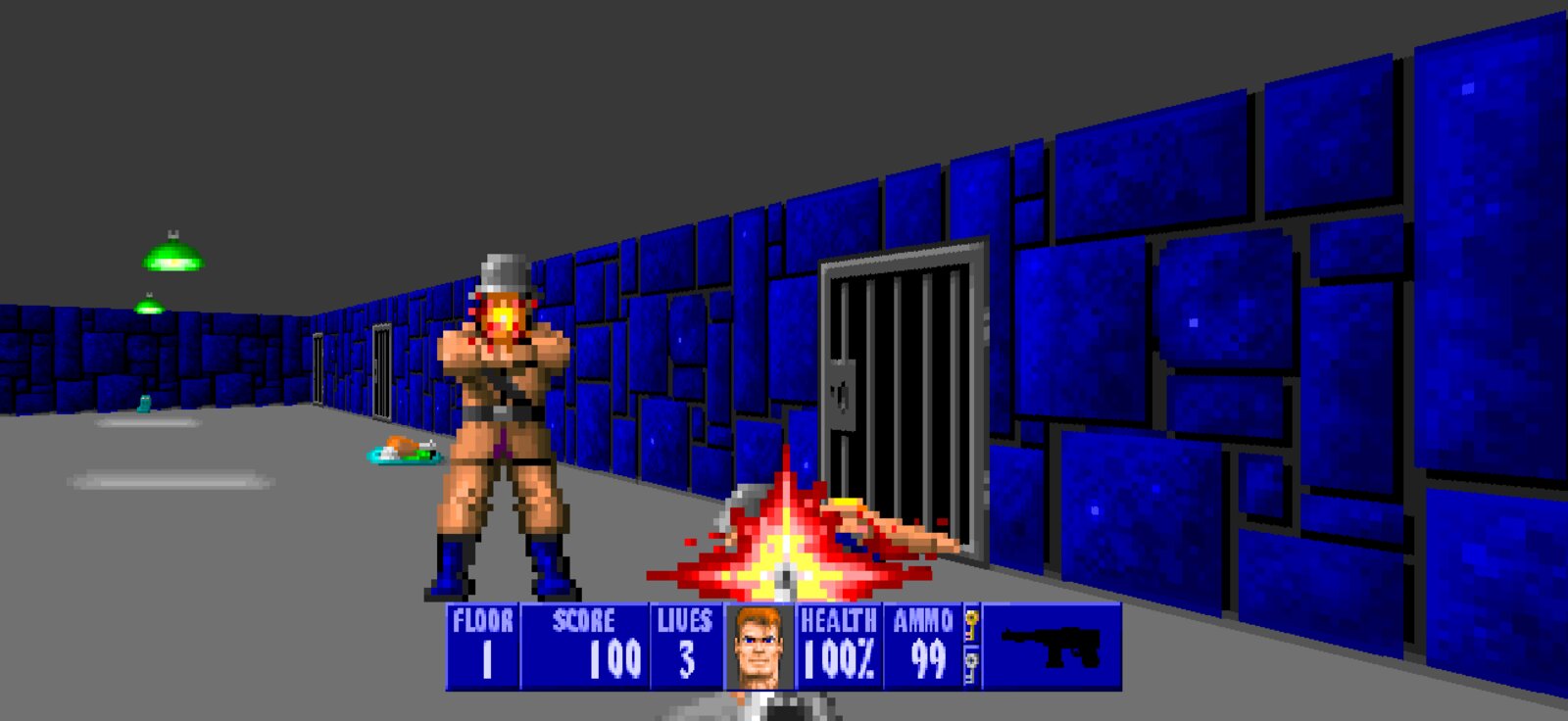
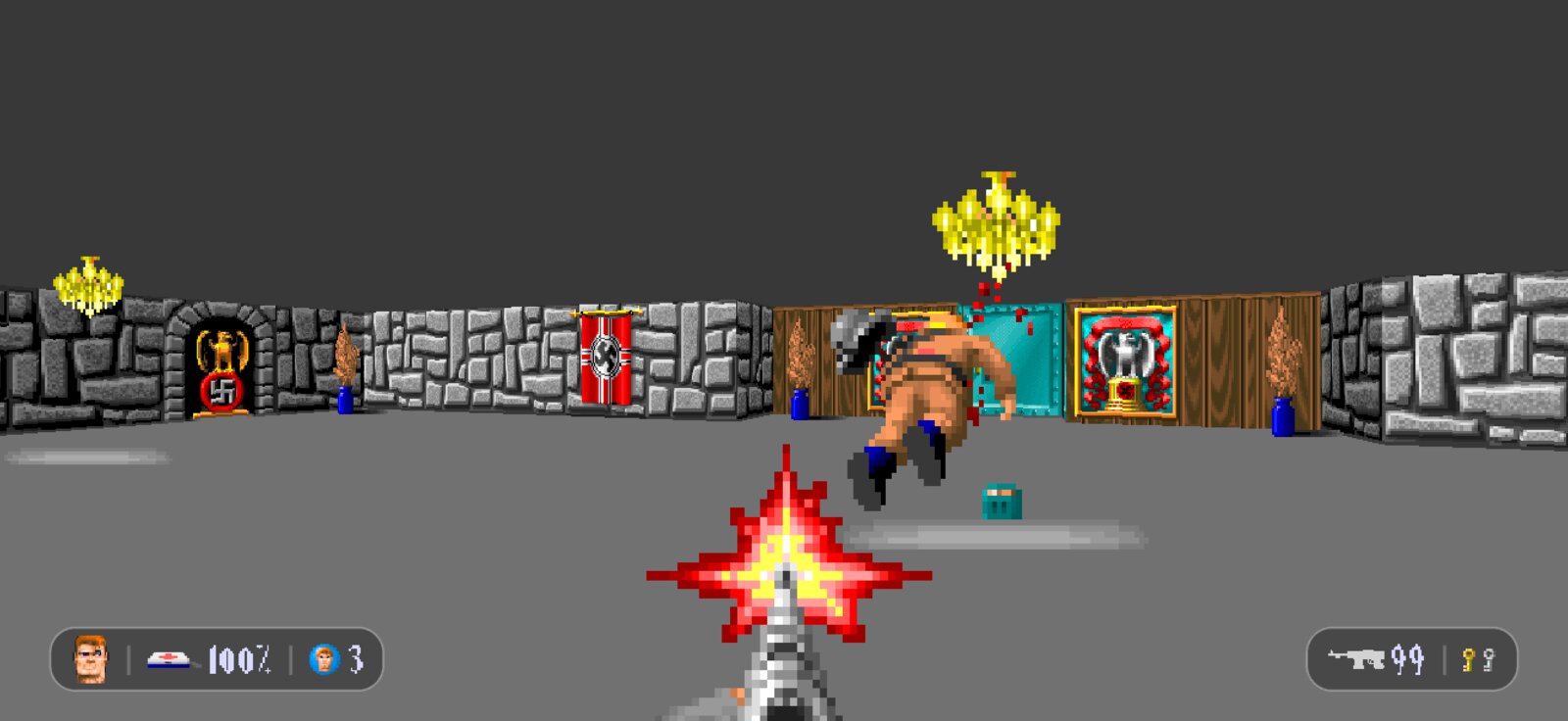
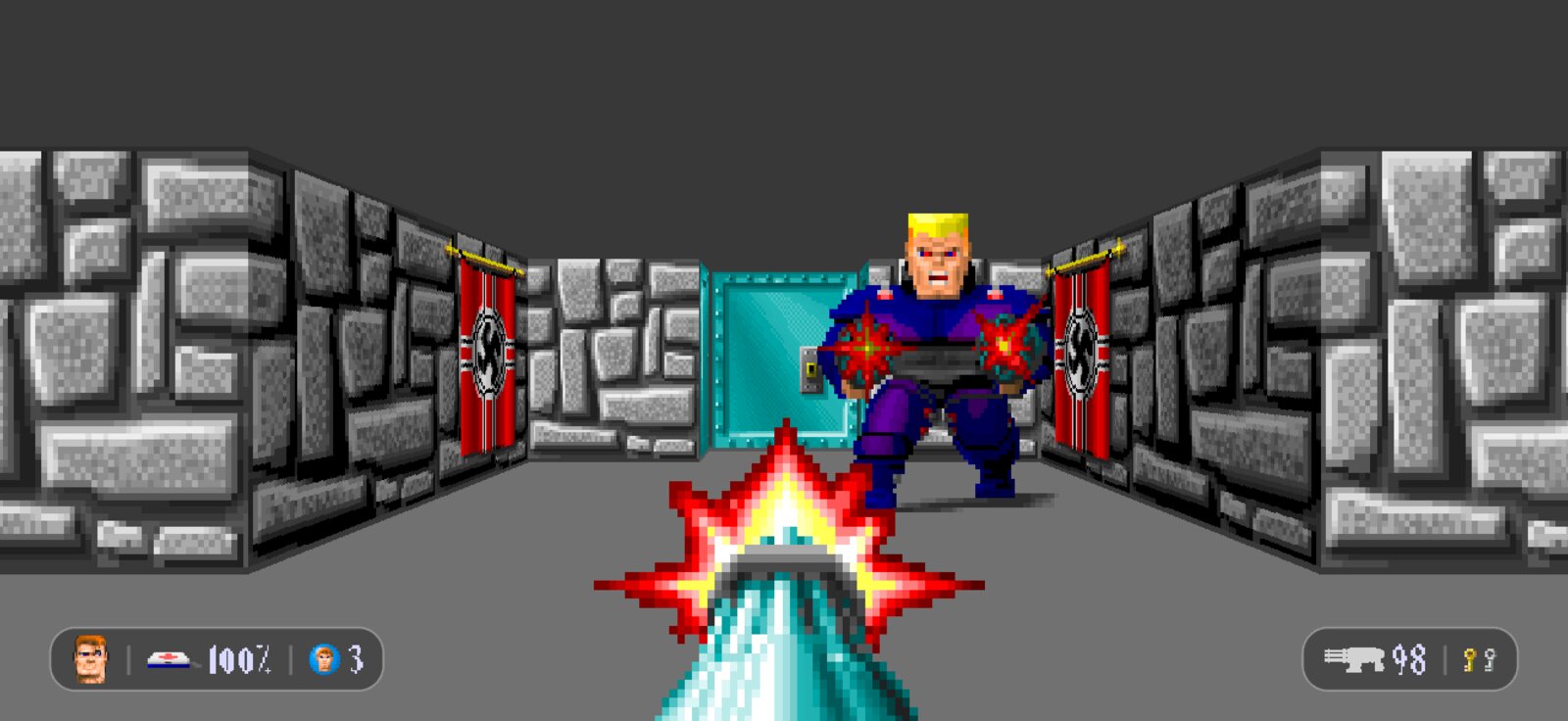
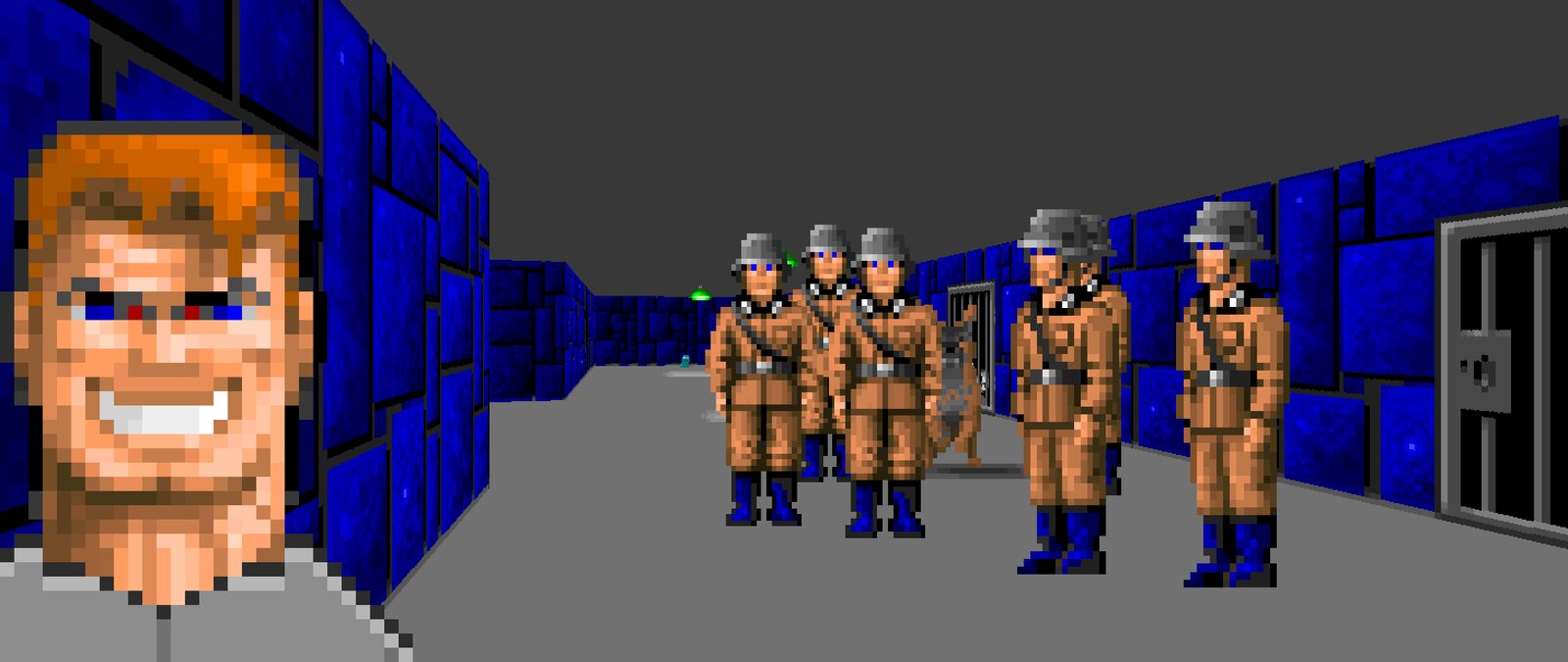
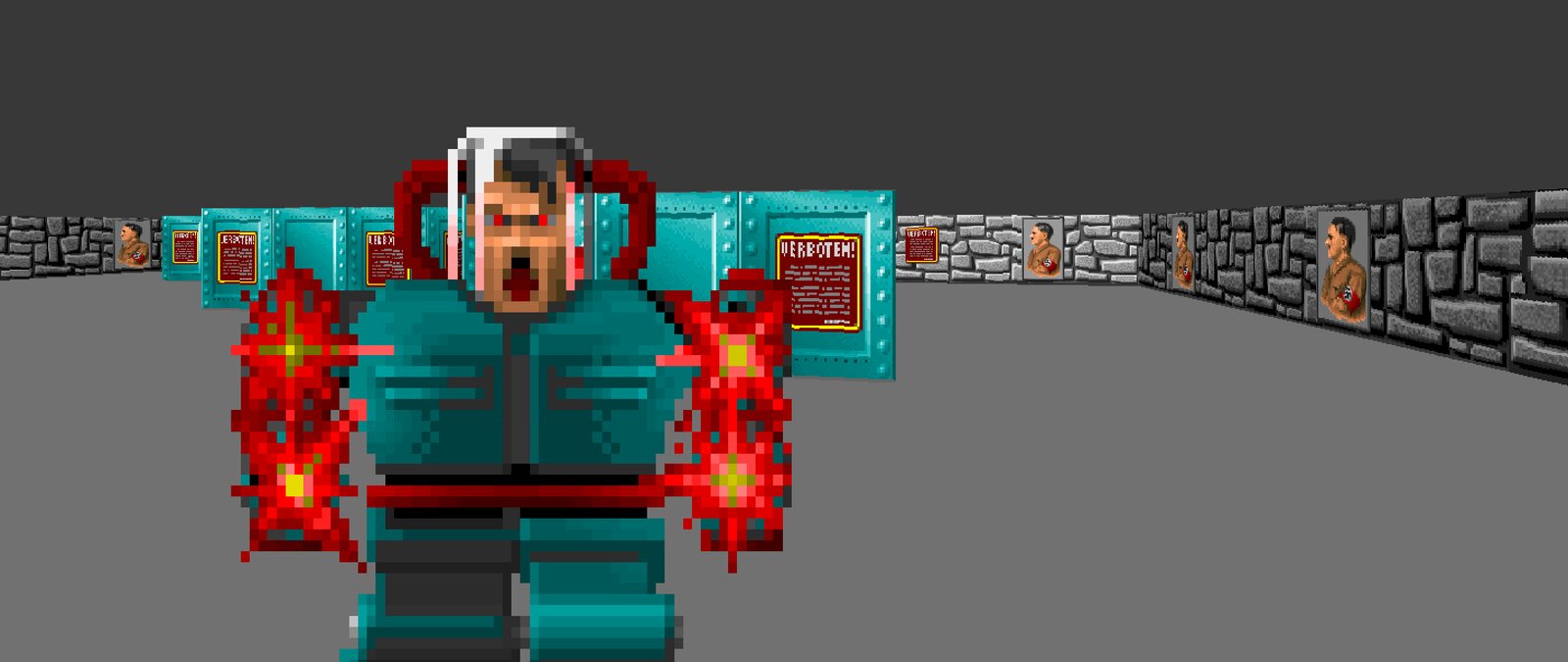
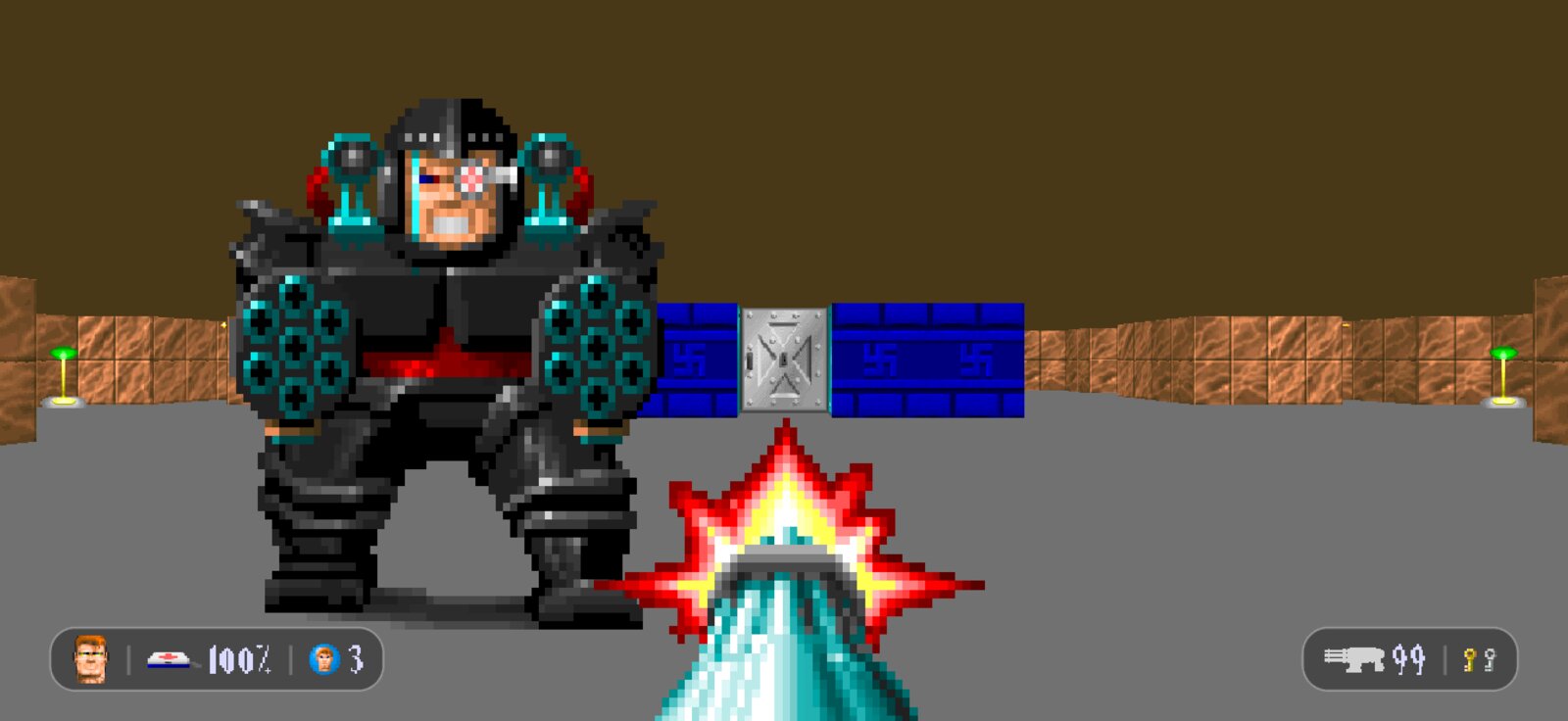
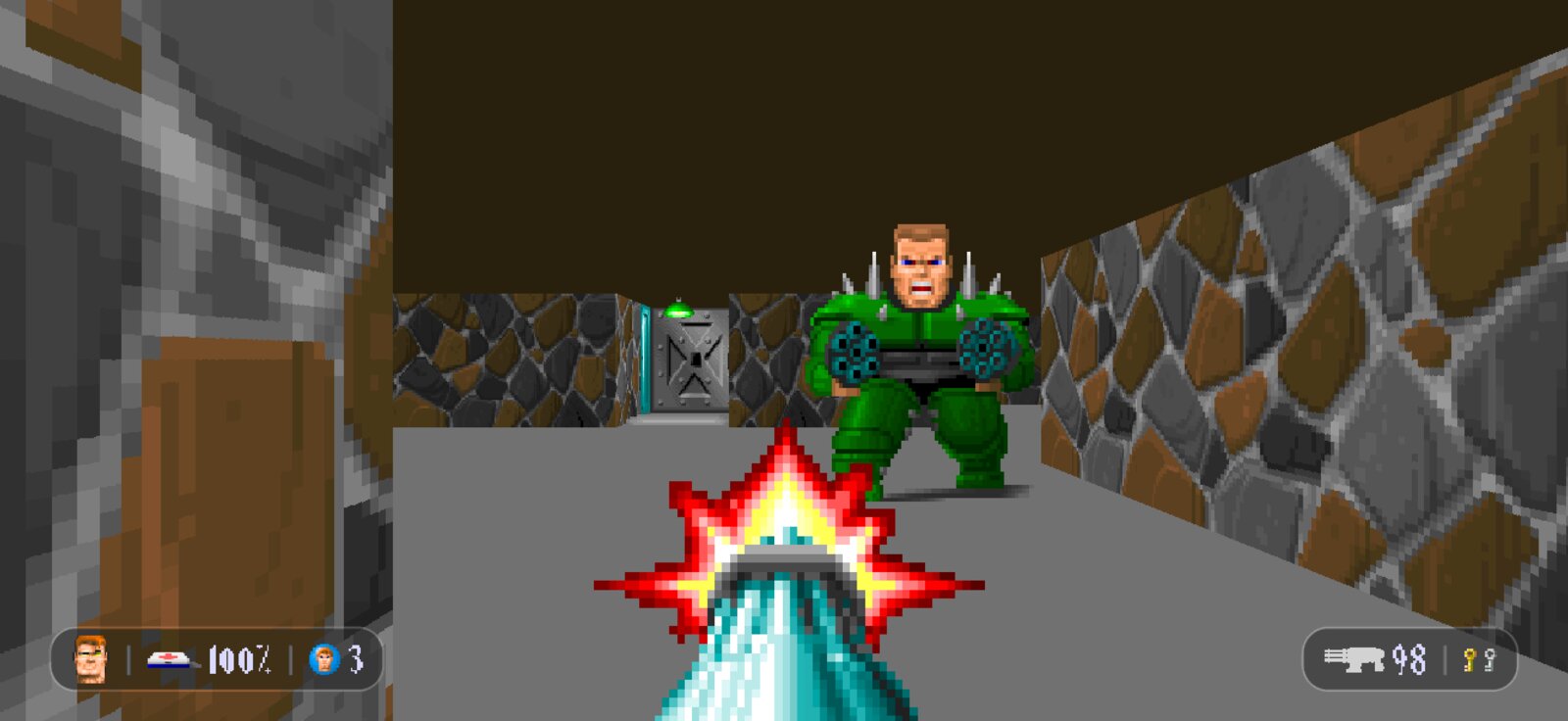
From the game running on a computer, with the game's own files; some enemies were moved into place for the pictures.
This is an unofficial beta, made by a fan, so expect bugs. Sorry about them! Back up your saves (Files > On My iPhone > Wolf3D > ECWolf) before you update or reinstall.
Found a bug? Please report it here, not to upstream ECWolf.
Thank you
This port stands on the work of many people. Thank you to:
- Braden "Blzut3" Obrzut and the ECWolf contributors, for ECWolf (source): years of careful work that keep Wolfenstein 3D playing well on today's machines, with widescreen, modern controls and a great automap.
- Moritz "Ripper" Kroll, for Wolf4SDL, the SDL port of the original code that ECWolf grew from.
- id Software (John Carmack, John Romero, Adrian Carmack, Tom Hall and the team), for making Wolfenstein 3D and Spear of Destiny, and for releasing the source code in 1995.
- Randy Heit, Christoph Oelckers and Teemu Piippo, whose ZDoom code ECWolf builds on.
- The SDL team (Sam Lantinga and contributors), for SDL, SDL_mixer and SDL_net, and the DOSBox and MAME teams, for the OPL sound emulators that play the game's music.
More
- Source code on GitHub
- Report a bug (here, not to the upstream project)